
Free WhatsApp Chat Button

Add a Free WhatsApp Chat Button to your website to instantly connect with visitors, boost engagement, and provide seamless customer support.

100% Free · Setup in 5 Minutes
Free WhatsApp Chat Button - WAWebSender

Free WhatsApp Chat Button | Setup in 5 Minutes | 100% Free

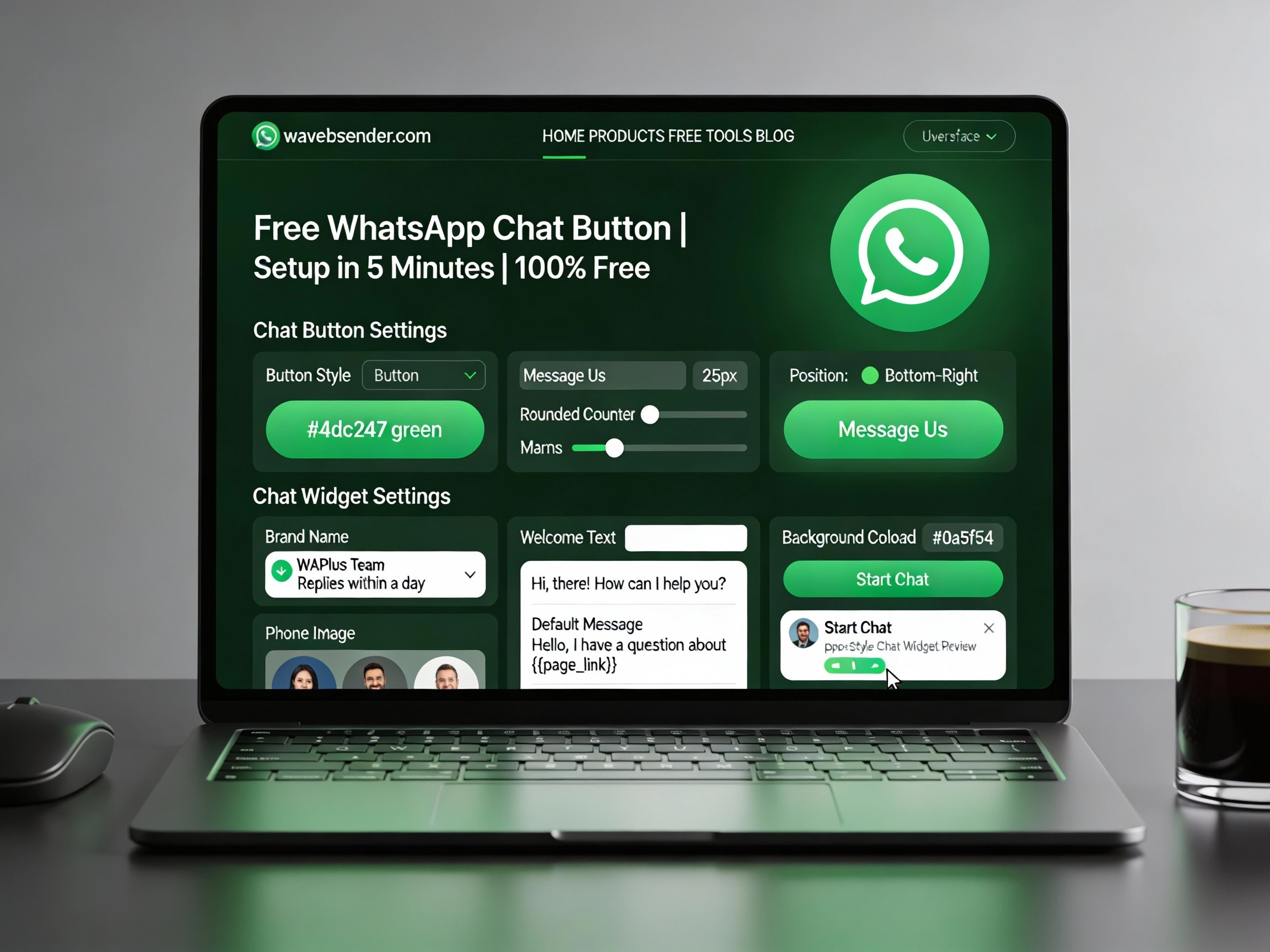
Chat Button Settings

Customise chat button settings - Choose chat button design, Set color & change CTA text.

Button Style: All possible & attractive button designs.

Background Color: Choose any color to personalize your WhatsApp Chat button.

Message Us

Chat Widget settings

Change your brand name, subtitle, welcome text and default user message

Brand
WAPlus Team
Replies within 1 day
WAPlus Team
Hi,there!
How can I help you?

How to Use WhatsApp Chat Button

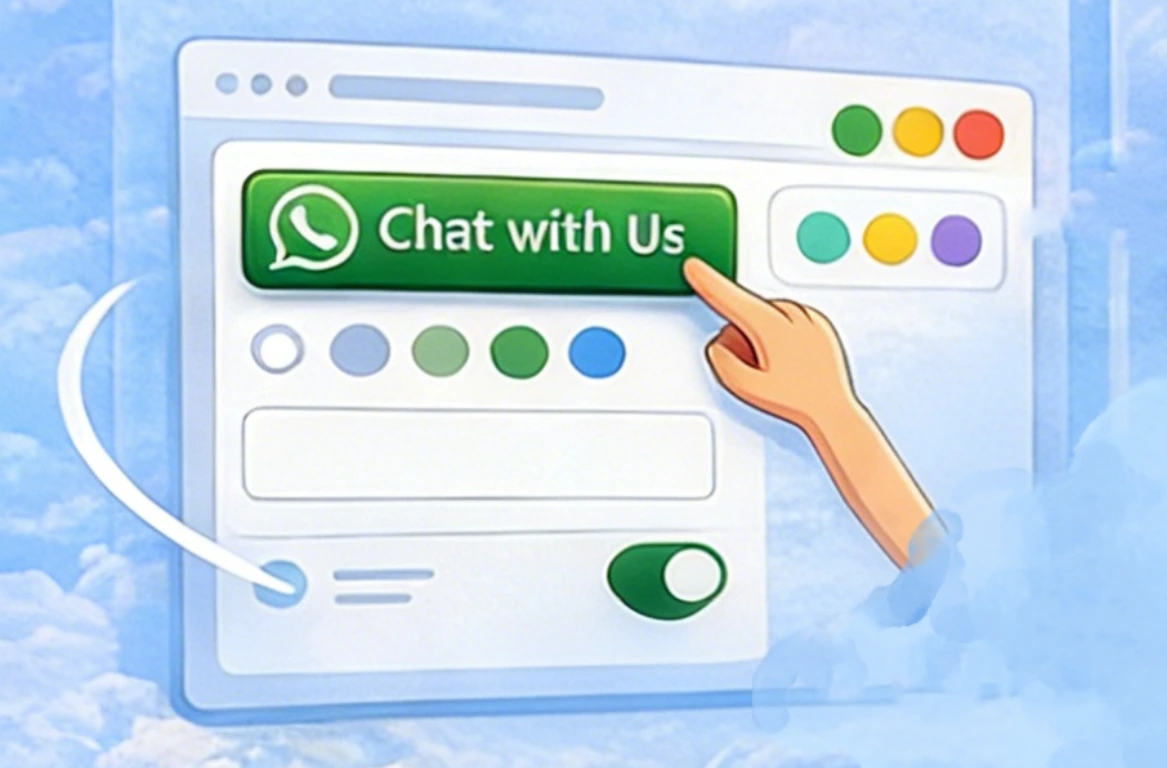
Design

Personalize the details of your chat button, including color, text, and shape. Make it fit your website style.
WhatsApp Chat Button - WAWebSender

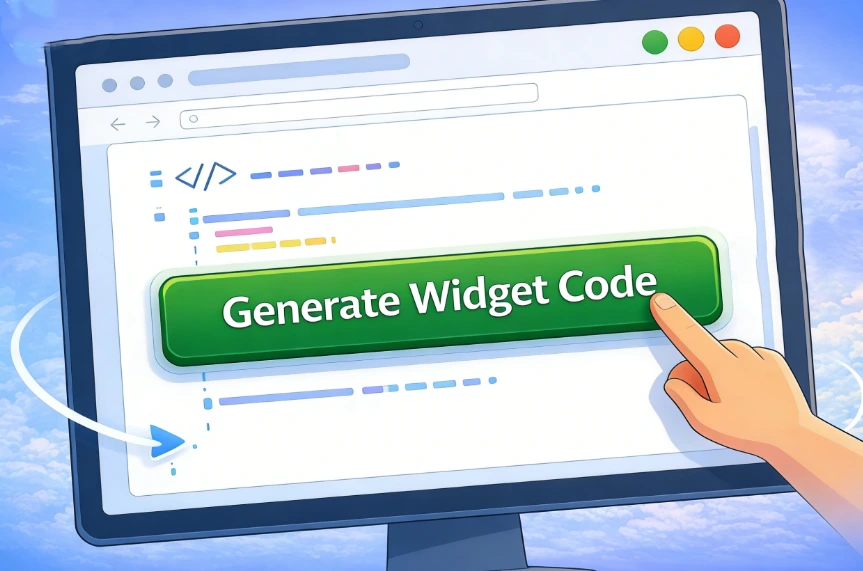
Generate

Click 'Generate Widget Code' to create your WhatsApp chat button.
WhatsApp Chat Button - WAWebSender

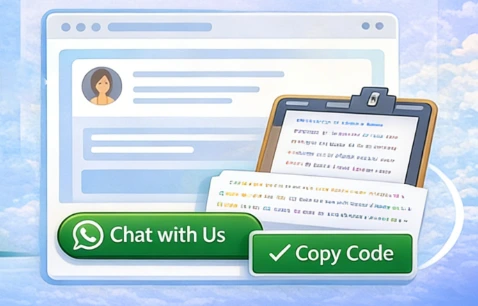
Add

Copy the code and paste it into your website. Your WhatsApp chat button is now live!
WhatsApp Chat Button - WAWebSender

Why Use WhatsApp Button Generator

Fast & Easy

Generate and add a chat button in just a few clicks, the process is fast and easy to operate.

Completely Free

No registration, no hidden fees required, no credit card, 100% free.

Cross-Device Friendly

WhatsApp button generator works seamlessly on desktop and mobile which improves efficiency.

Boost Engagement

Allow visitors to contact you instantly, increasing conversions and enhancing the possibility of cooperation.

Need to manage conversations at scale?

Creating a WhatsApp chat button is just the first step. Our Chrome extension helps you manage multiple WhatsApp conversations faster and at scale.

FAQs on WhatsApp Chat Button

What is a WhatsApp button?

A WhatsApp button is a free chat widget that lets you add a WhatsApp live chat button to your website. Visitors can start a conversation with your business in one click and will be redirected to WhatsApp to send a message instantly.

How to create a WhatsApp button free?

You can create a WhatsApp button for free by entering your WhatsApp number and customizing the button style. Then generate the widget code and add it to your website, no payment or registration required.

How can WhatsApp Chat Button improve your WhatsApp business communication?

A WhatsApp chat button helps customers contact you instantly, reducing response time and increasing engagement. With tools like Wali Chat, you can manage conversations more efficiently using features like automatic replies, team chat assignment, and analytics.

How to add the chat button in my website?

Simply copy the generated HTML code and paste it anywhere inside the <body> tag of your website. The WhatsApp chat button will appear immediately and be ready to use.

Can I customize the size and position of the button?

Yes, you can easily customize the size, position, and appearance of the WhatsApp button in the generator. The code will be generated automatically based on your settings.

Can I use the button in multiple website?

Of course! You can use the same WhatsApp button HTML code on multiple websites without any limitations.