
WA Web Sender | WhatsApp Bulk Message Sender Free

WA Web Sender (WA sender) helps you send WhatsApp bulk messages to your contacts efficiently—ideal for sales outreach, customer updates from WhatsApp Web.
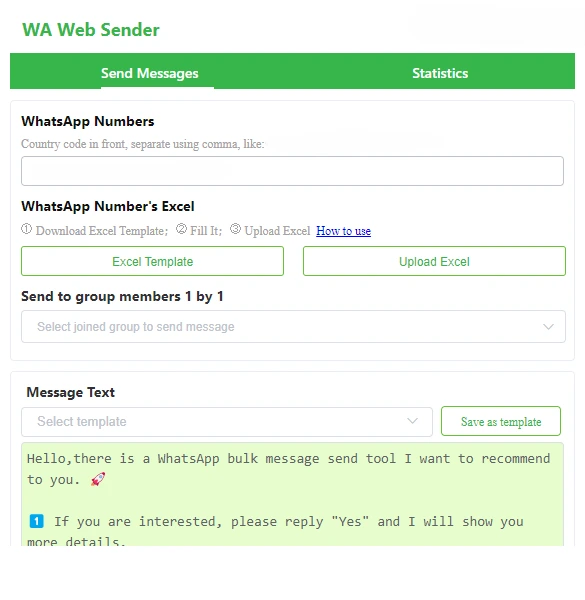
WhatsApp Bulk Message Sender Free - WAWebSender

How to Use WAWebSender for WhatsApp Bulk Messaging (3 steps)

To start bulk messaging, watch the demo video first.

Install BulkSender + open WhatsApp Web

Install BulkSender from the official browser store (Chrome or Edge), then open WhatsApp Web and log in to your account.

Key Features of WAWebSender for WhatsApp Bulk Messaging

Send bulk messages in minutes

Use WAWebSender - WhatsApp bulk message sender to send multiple messages at once to a list of contacts—great for promotions, reminders, and one-to-many announcements.

Set a sending interval for safer pacing

Control the time interval between messages to match your outreach rhythm and reduce the risk of sending too fast.

Send multiple attachments

Send images, videos, documents, Excel files, and more—ideal for catalogs, invoices, price lists, or onboarding materials with your WhatsApp bulk sender.

Personalize each message

Turn a generic blast into a personalized outreach by inserting dynamic content so each recipient sees tailored text (name, number, etc.).

Export bulk sending report

Export bulk sending report so you can organize for targeted campaigns.

Check message status and retry failures

Track sending status inside WAWebSender and retry failed messages to maintain delivery continuity.

Install WAWebSender and launch your first outreach in minutes.

When to Use WAWebSender As Your WhatsApp Bulk Sender

Sales outreach and lead follow-up

Use WAWebSender to send WhatsApp bulk messages to new leads, warm prospects, or past customers, then follow up consistently without rewriting the same message each time. With personalized messages, each recipient can see tailored details (such as name or offer), helping outreach feel one-to-one even at scale.

WAWebSender use case

Customer notifications and service updates

Send bulk updates such as order confirmations, delivery status, schedule changes, or service notices using a simple web sender workflow on WhatsApp Web. Message status tracking also helps teams spot failed deliveries and retry, so important updates don't get missed.
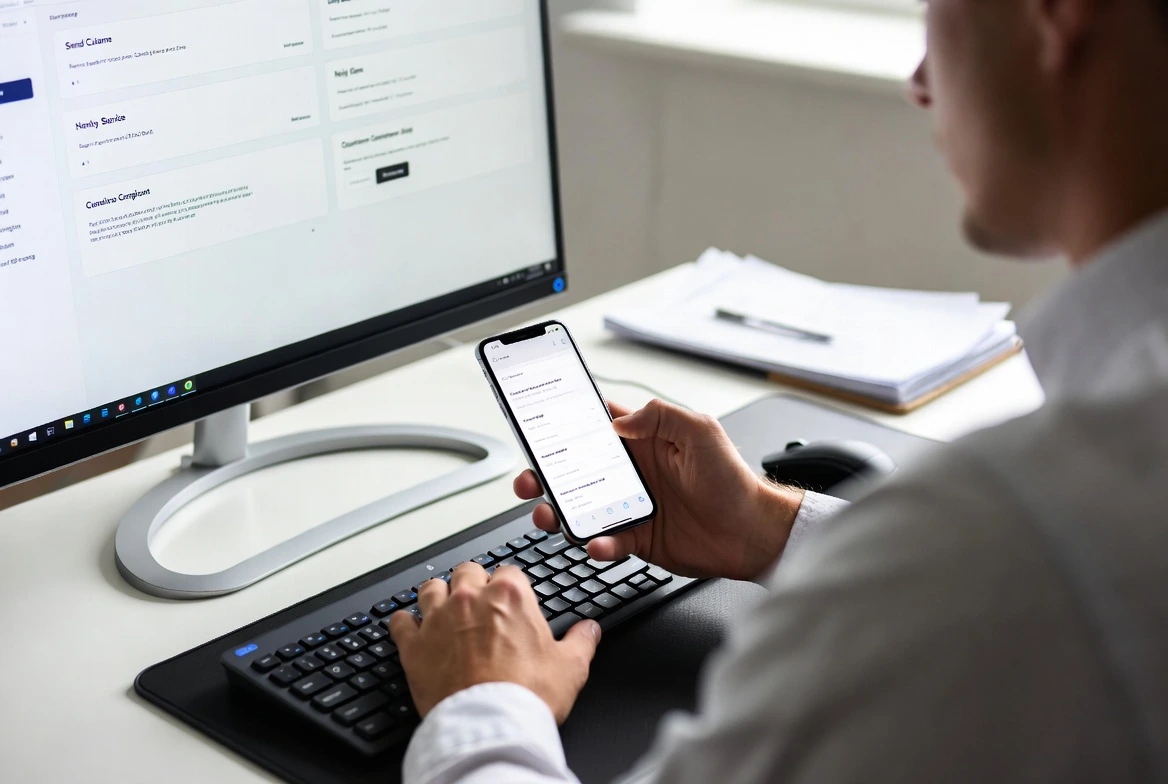
WAWebSender use case

Promotions and content distribution with attachments

Share product catalogs, price lists, invoices, brochures, or onboarding documents by sending multiple attachments (images, videos, documents) in a single bulk campaign. This is especially useful when a WhatsApp bulk message needs supporting files rather than text-only announcements.
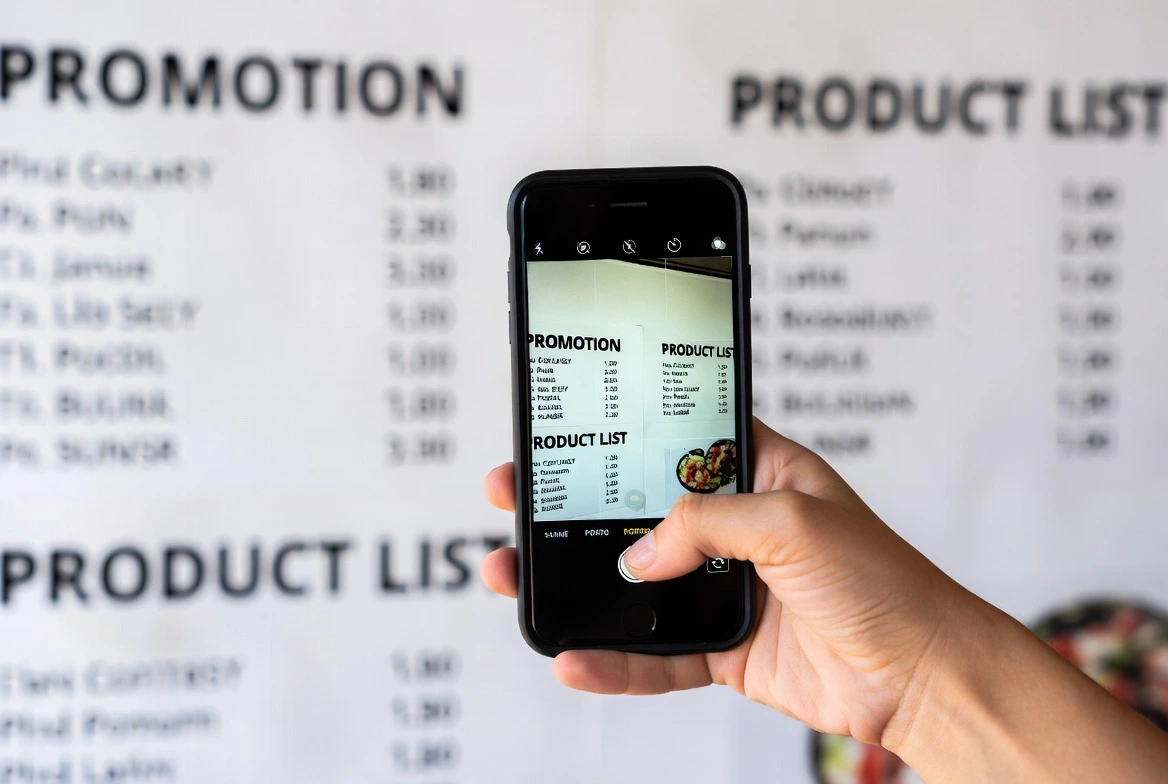
WAWebSender use case

Community and group management

Export WhatsApp group member information in batches, then create targeted broadcasts for specific member segments (events, reminders, community updates). By combining group export with sending intervals, WAWebSender supports organized group messaging without overwhelming recipients.
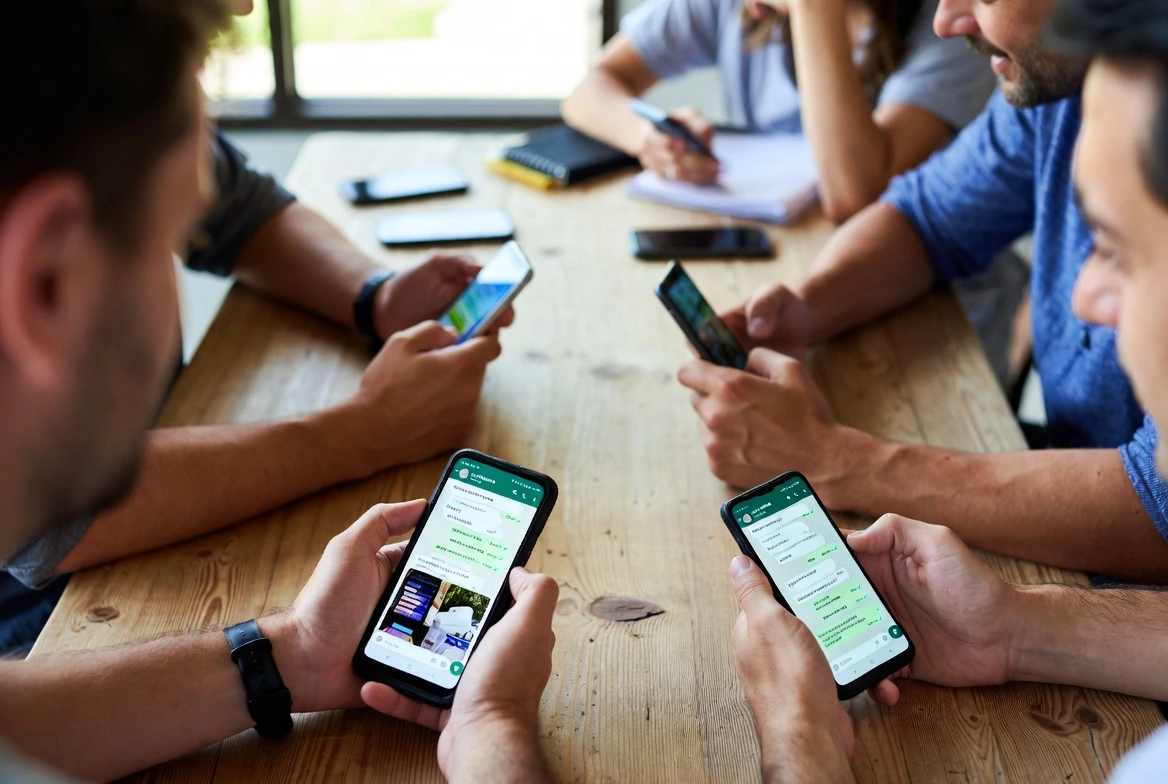
WAWebSender use case

What Our Users Say About WAWebSender

WAWebSender improved our group messaging efficiency by 50%—simple to use and surprisingly effective.

— Lucy, Community Manager

WA sender is the best WhatsApp tool I've ever used—I found 10+ new clients and built great relationships.

— Gennady M., Sales Consultant

WAWebSender is very nice—clean workflow for quick WhatsApp bulk updates.

— Sally, Customer Support Specialist

WA sender saved us hours on weekly customer updates—bulk messaging with intervals keeps everything under control.

— Sarah L., E-commerce Manager

WAWebSender made it easy to send catalogs and price lists as attachments in one batch—perfect for product launches.

— Daniel R., Marketing Coordinator

WAWebSender helped us personalize outreach at scale, so every message still feels human and relevant.

— Priya K., Business Development Executive

FAQ on WAWebSender

Will WhatsApp ban my number if I use WAWebSender for bulk messaging?

WAWebSender is a websender built for bulk messaging on WhatsApp Web, and it includes controls like a sending interval to help you pace outreach instead of blasting messages too fast. For best results, use WAWebSender as a WhatsApp bulk message sender for opt-in contacts and send relevant, personalized content to reduce complaints.

What sending interval (delay) is safest when sending WhatsApp bulk messages with WAWebSender?

A safe approach is to use WA sender - "Set Sending Interval" feature and start with a conservative delay, then adjust based on your list quality and response rates. Because WAWebSender lets you control the time interval between each message, it's more suitable than uncontrolled sending for long campaigns.

Can WAWebSender send bulk WhatsApp messages to unsaved contacts (numbers not in my address book)?

WAWebSender is designed to send bulk messages to your contacts or unsaved numbers via WhatsApp Web. But please don't spam and the contacts may report you.

What's the best way to send weekly WhatsApp updates to 300–1,000 customers (text + images) using WAWebSender?

Use WAWebSender as your WhatsApp bulk sender: prepare a weekly template, enable personalized messages, and include images or documents with "Send Multiple Attachments."

Should I use the official WhatsApp Business API instead of a web sender like WAWebSender for high-volume campaigns?

If you need enterprise-level integrations and official API workflows, WhatsApp Business API can be a fit; for fast setup and day-to-day outreach from WhatsApp Web, WAWebSender is a simpler option. Many teams start with WA sender because it installs quickly (Chrome/Edge) and covers core needs: bulk sending, intervals, personalization, attachments, exporting, and status tracking.

Why did my WhatsApp account get restricted after sending bulk messages, and how can I prevent it next time?

A common prevention strategy is to slow down outreach and avoid repetitive, generic blasts—WA sender helps by letting you set intervals and personalize content at scale. Using WAWebSender as a structured WhatsApp bulk message sender (segments + pacing) is safer than pushing high-volume messages without controls.

What's the difference between WhatsApp broadcast lists and a WhatsApp bulk sender workflow?

Broadcast lists are a built-in WhatsApp method, while WAWebSender is a WhatsApp bulk message sender designed to streamline bulk outreach with sending intervals, personalization, attachments. If you need a repeatable "campaign-style" websender workflow with retries, WA sender is typically more operationally efficient.

Install WAWebSender and launch your first outreach in minutes.